1
Connect and Access the Administration Page
First, make sure your device is connected to the Buffalo router's WiFi:
- Open WiFi Settings on your phone/computer and connect to the WiFi network named Buffalo.
- Open a web browser (Chrome or Safari).
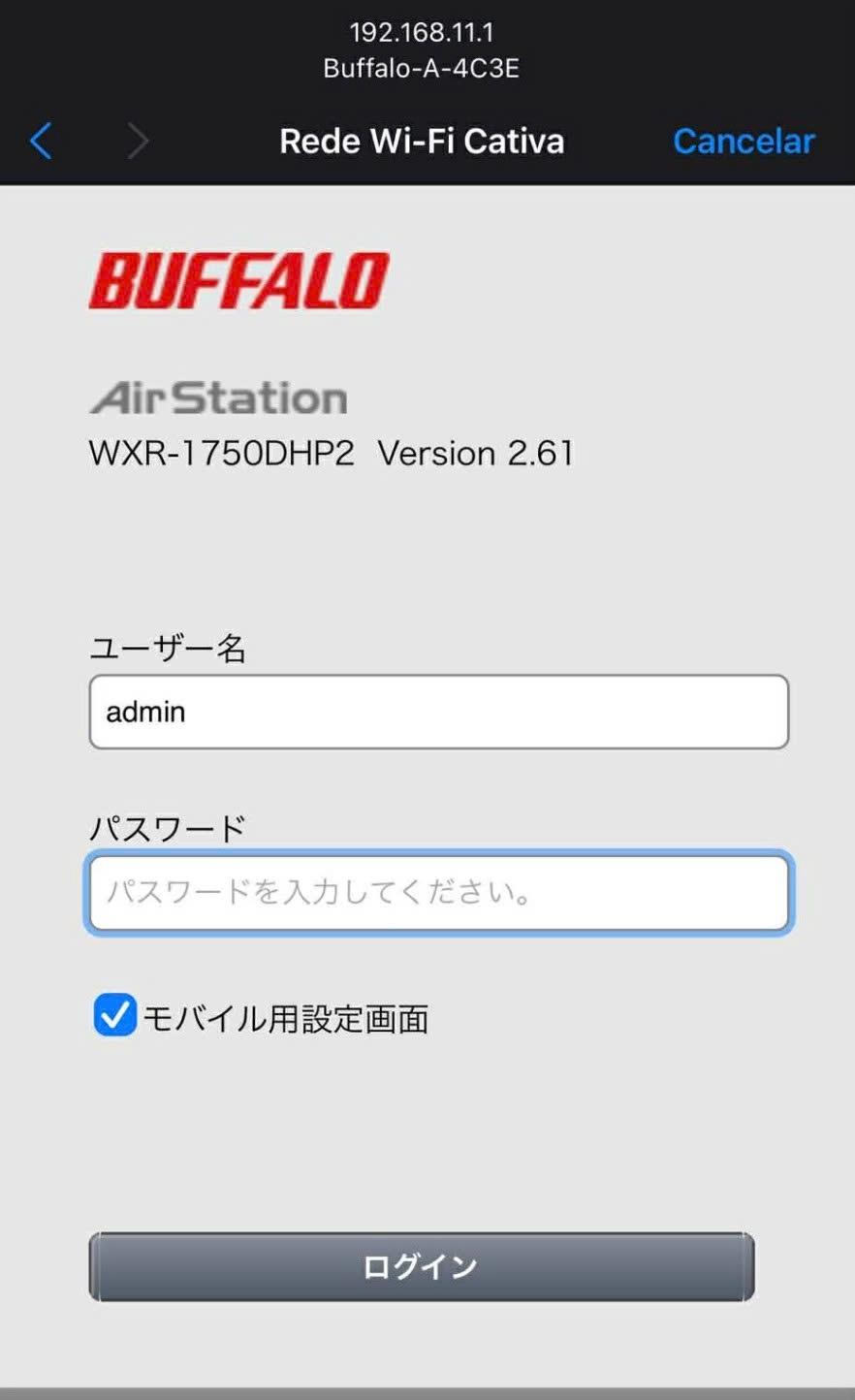
- Enter the following IP address into the search bar and press Go/Enter:
192.168.11.1
Use Chrome or Safari